Skip to content
Case Converters

dot.case Converter

Convert words or camelCase into dot.case, with small letters and dots between words. Good for config keys and package names.

Something not working? Report a problem

What is the dot.case Converter?

dot.case writes words in small letters with a dot between them, like "app.user.first.name". It is used for configuration keys, property files and package names.

Paste plain words or any other naming style. Each line is converted on its own.

How to use it

  1. Type or paste your text in the left box.
  2. The result shows on the right as you type. Each line becomes a dot.case name.
  3. Press Copy or Save to take the text away.

Why people like this tool

Many lines

Each line is converted by itself.

Config keys

Good for properties and settings files.

Splits camelCase

userName becomes user.name.

Private

Nothing leaves your browser.
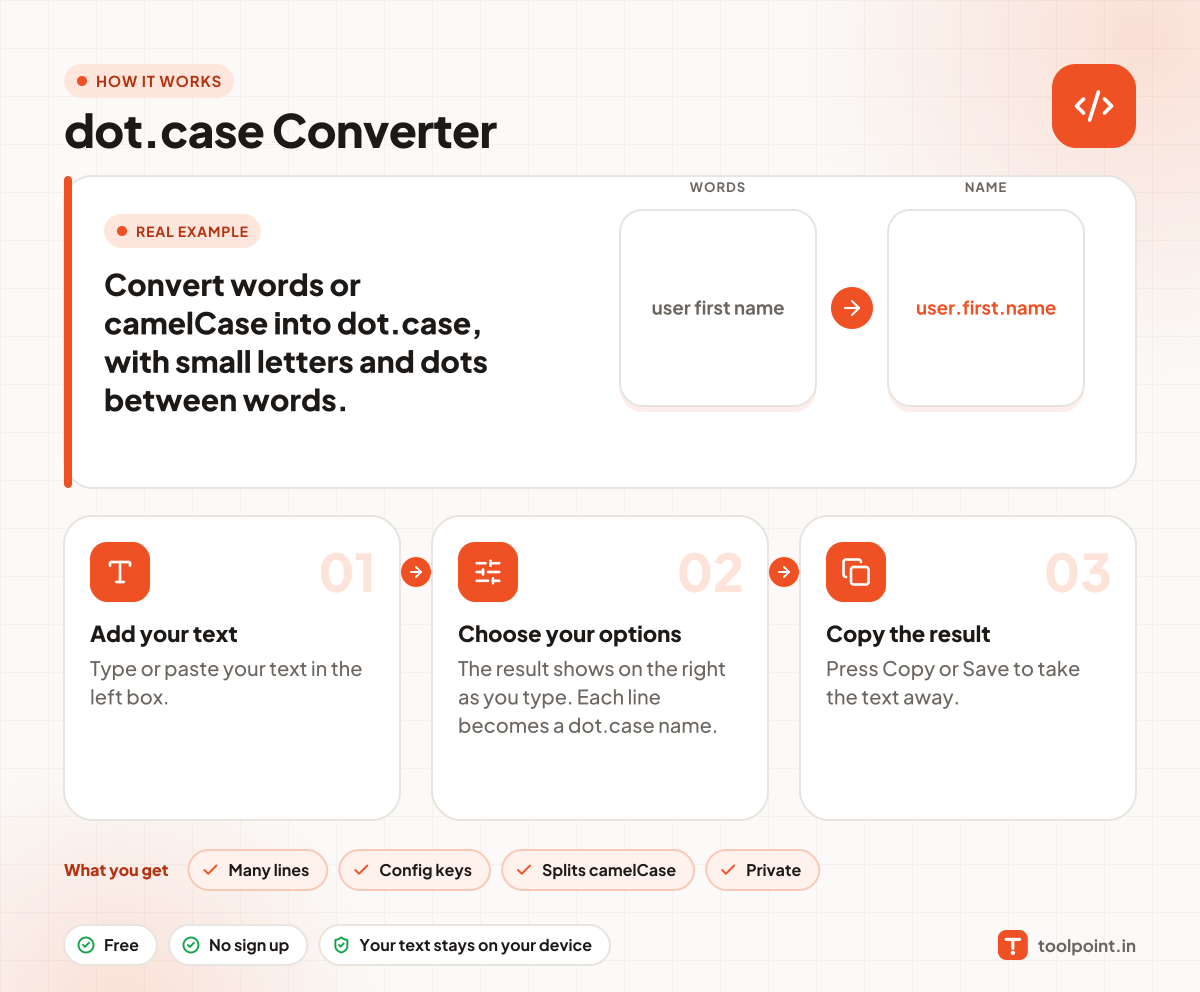
How it works, in one picture

Infographic: how to use the dot.case Converter in 3 easy steps: Add your text, Choose your options and Copy the result. You get: Many lines, Config keys, Splits camelCase and Private.

Frequently asked questions

What is dot.case?
It is a naming style with small letters and dots between words, like "my.config.key".
Where is it used?
In Java properties, Laravel config keys, i18n keys and package names.
Does it remove signs?
Yes. Signs and extra spaces are removed, so only letters, numbers and dots remain.

You may also like