Skip to content
Case Converters

Lowercase Converter

Change all capital letters to small letters in one click. Paste your text and get clean lower case text to copy. Works for long text too.

Something not working? Report a problem

What is the Lowercase Converter?

Need all letters small? Paste your text and every capital letter turns into a small letter. It is handy for email addresses, tags, file names and cleaning up text copied from a document.

Accented letters change too, so "ÉCOLE" becomes "école". Numbers, signs and new lines stay exactly as they were.

How to use it

  1. Type or paste your text in the left box.
  2. The result shows on the right as you type. All letters become small.
  3. Press Copy or Save to take the text away.

Why people like this tool

All small letters

Every capital letter becomes lower case.

Keeps layout

Numbers, signs and new lines stay.

Accent aware

Works with é, ñ, ü and more.

Instant

The result updates as you type.
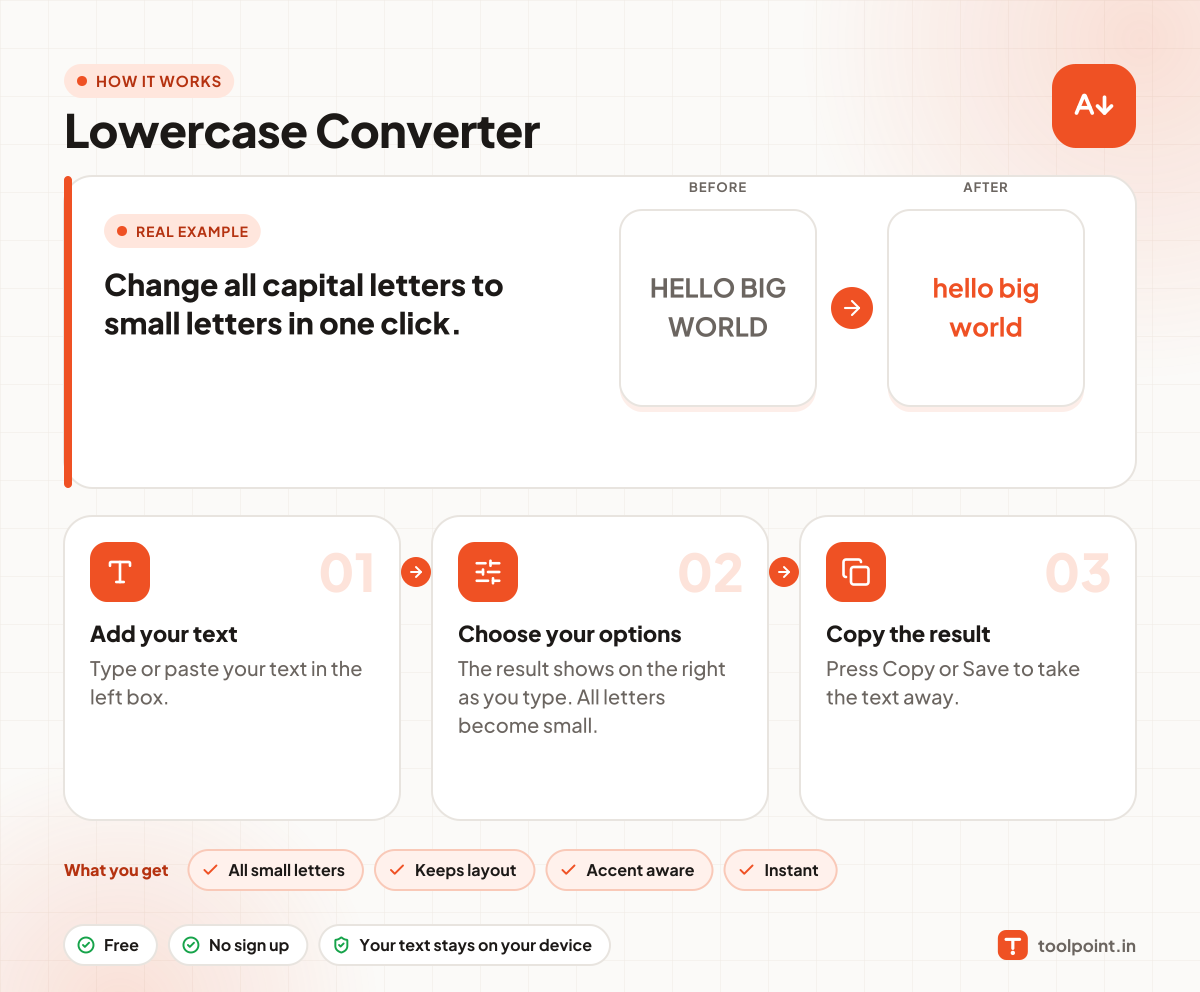
How it works, in one picture

Infographic: how to use the Lowercase Converter in 3 easy steps: Add your text, Choose your options and Copy the result. You get: All small letters, Keeps layout, Accent aware and Instant.

Frequently asked questions

How do I change capital letters to small letters?
Paste your text in the left box. The right box shows the same text in lower case. Press Copy.
Does it change numbers?
No. Only letters change. Numbers and signs stay the same.
Is there a shortcut in Word?
In Microsoft Word select the text and press Shift + F3 until it turns to lower case. This tool works anywhere, even on your phone.

You may also like