Skip to content
Case Converters

Title Case Converter

Make headings and titles in proper Title Case. Small words like "of", "and" and "the" stay small. Free online Title Case converter.

Something not working? Report a problem

What is the Title Case Converter?

A good title looks tidy: the main words start with a capital, and small linking words like "a", "of", "to" and "the" stay in lower case. This tool does that for you.

The first and last word always get a capital, and so does the word after a colon. Names like iPhone or McDonald are left as you typed them. Tick the box if you also want to keep words in CAPS, like NASA.

How to use it

  1. Type or paste your text in the left box.
  2. The result shows on the right as you type. Main words get a capital, small words stay small.
  3. Press Copy or Save to take the text away.

Why people like this tool

Smart small words

Words like of, and, the stay small.

First and last word

They always start with a capital.

Keeps brand names

iPhone and McDonald stay as typed.

Many lines

Each line is treated as its own title.
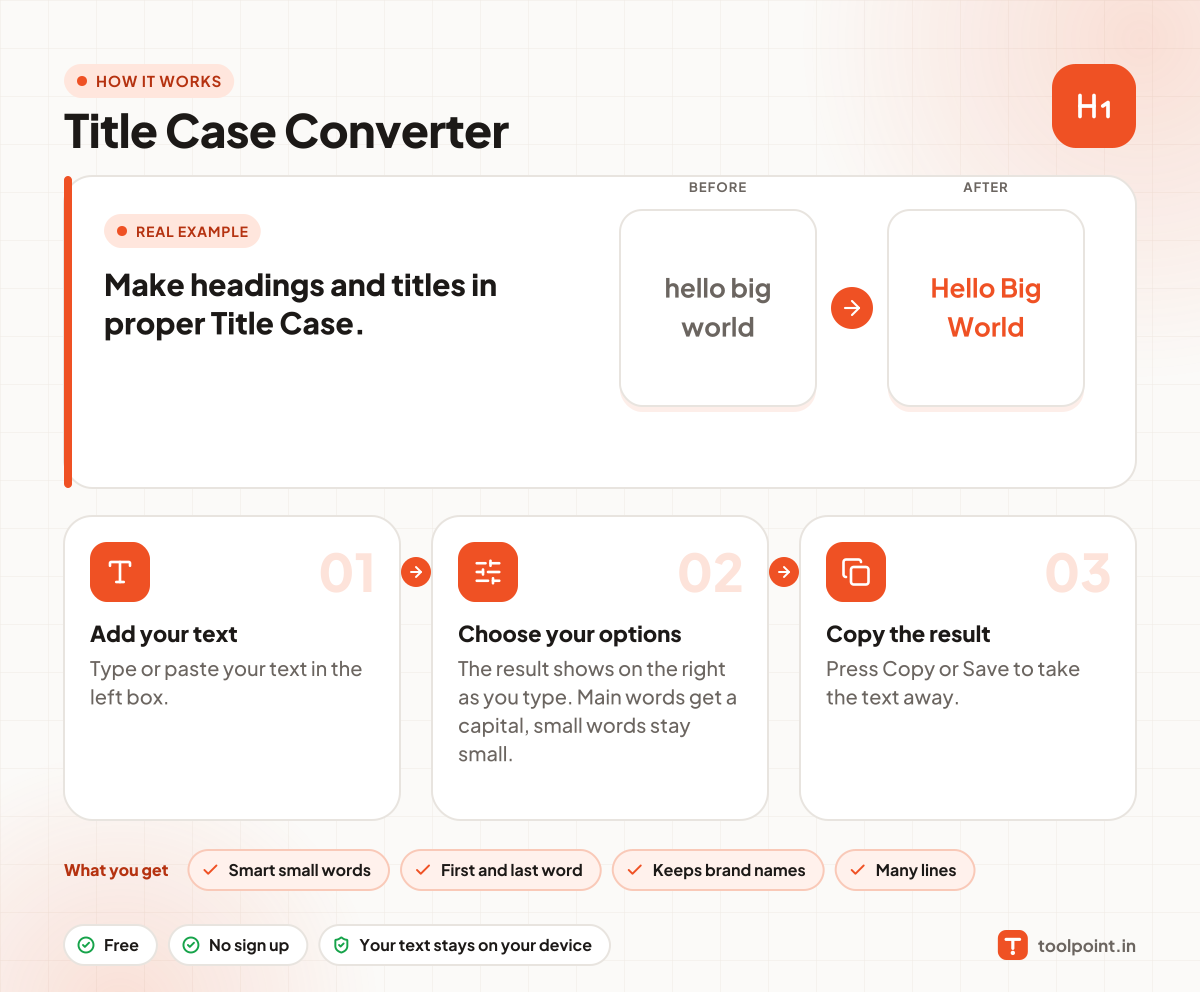
How it works, in one picture

Infographic: how to use the Title Case Converter in 3 easy steps: Add your text, Choose your options and Copy the result. You get: Smart small words, First and last word, Keeps brand names and Many lines.

Frequently asked questions

Which words stay small in a title?
Short words like a, an, the, and, but, or, for, of, in, on, at, to, by, up and as, unless they are the first or last word.
Does it follow APA or Chicago style?
It follows the common rule used by most of them. Rules differ a little between guides, so check the final title against your guide.
Will it keep NASA in capitals?
Yes, if you tick "Keep words that are already in CAPS". Without it, NASA becomes Nasa.

You may also like