Skip to content
Batch Downloaders

Document + Media Batch Downloader

Paste links to PDFs, Word files, spreadsheets, ZIPs, videos, audio and images, and download everything together in one ZIP file.

Try:

Only public content can be saved. Please download only what you made yourself or have permission to use, and respect the creator's rights.

Something not working? Report a problem

What is the Document + Media Batch Downloader?

Downloading a list of forms, reports, slides and media files one by one is slow. Paste all the links, one per line, and we check each file's type and size for you.

PDF, DOC, XLS, PPT, ZIP, audio, video and images all work. Save them in one ZIP, or start the downloads one after another.

How to use it

  1. Paste your file links, one per line.
  2. Press Check links.
  3. Save everything as a ZIP, or one by one.

Why people like this tool

Any file type

Documents, archives, media and more.

Type and size check

Know what each link is before you save.

Real file names

We use the name the server gives the file.

Link report

Clear reasons for any link that fails.
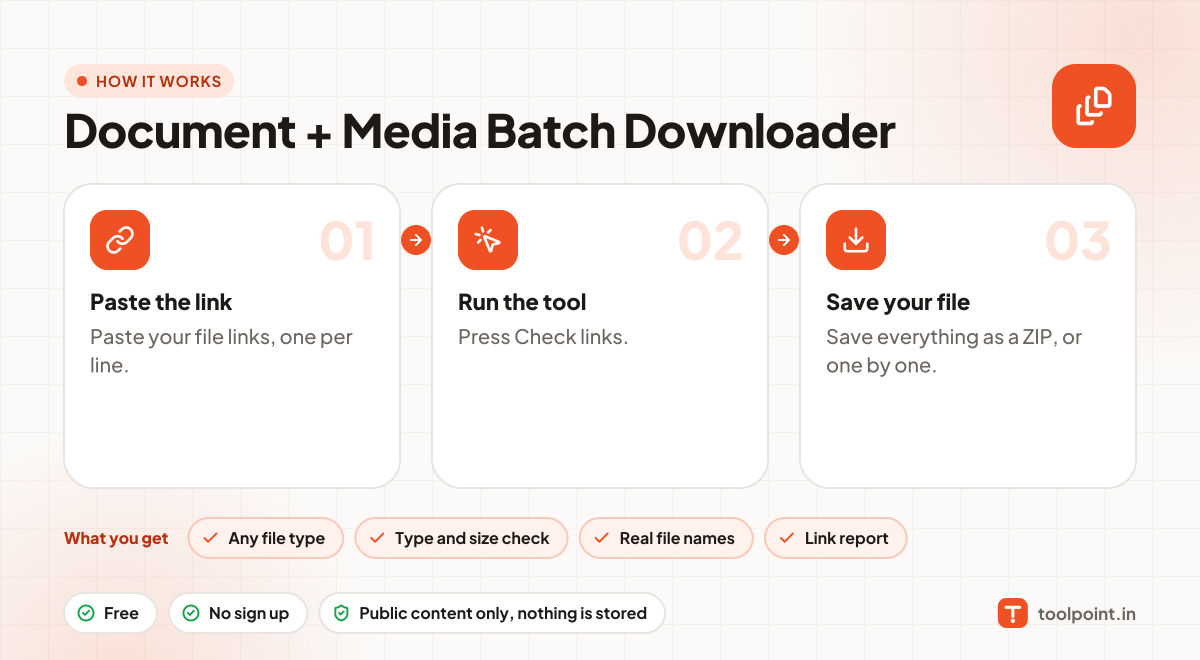
How it works, in one picture

Infographic: how to use the Document + Media Batch Downloader in 3 easy steps: Paste the link, Run the tool and Save your file. You get: Any file type, Type and size check, Real file names and Link report.

Frequently asked questions

What if some links fail?
Every link gets a line in the report with a simple reason, like "file not found" or "this is a webpage, not a file". The others still download.
How big can the ZIP be?
The ZIP is built in your browser, so it depends on your device. A few hundred MB works well. For very large batches, use "One by one".
Why does a link say "this is a webpage"?
The link opens a page, not a file. Open it in your browser and copy the direct download link instead.
Do you keep the files?
No. Files pass straight to your device. Nothing is stored on our server.

You may also like