How to Save Photos and Videos from a Public Telegram Channel
Download images, videos, GIFs and voice notes from public Telegram posts and channels, one by one or all together as a ZIP.
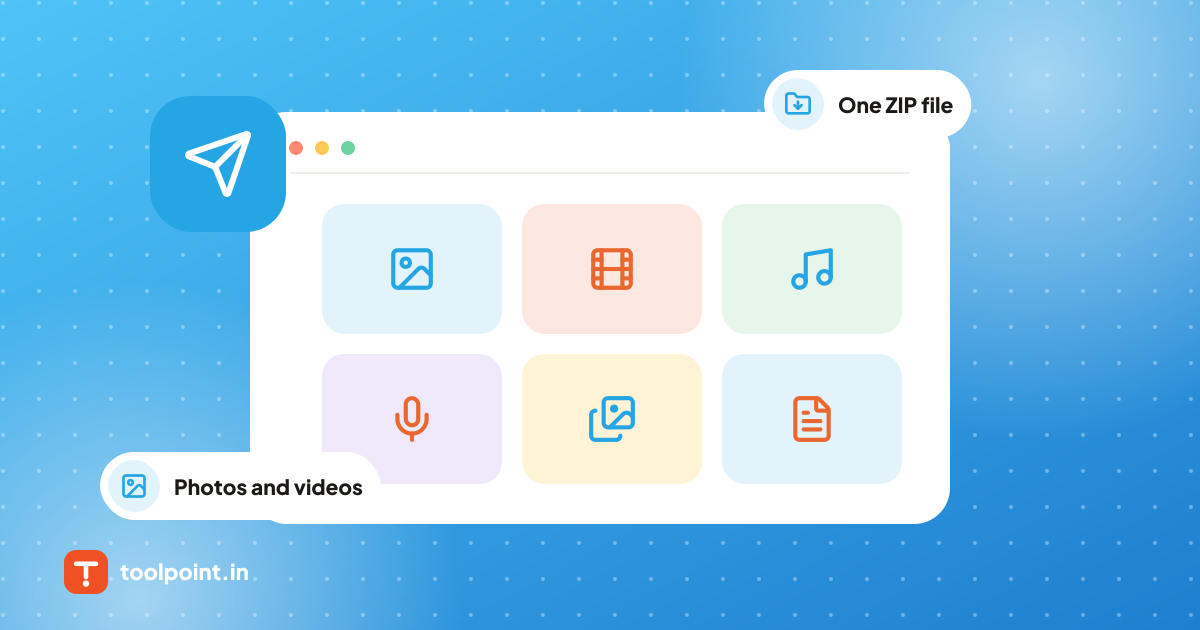
Public Telegram channels share a lot of useful media: notes, posters, short videos and voice updates. Saving them one by one is slow. Here is the easy way.
Save one post
- In Telegram, tap and hold the post, then choose Copy Link. It looks like
t.me/channelname/123. - Paste it into the Telegram Post Downloader.
- Press Download on any file, or Download all as ZIP for an album.
Every file is named after the channel and post number, like channelname-123.jpg.
Save all photos from a channel
Use the Telegram Image Batch Downloader:
- Paste the channel link, like
t.me/channelname. - Choose how many recent posts to check (up to 200 at a time).
- All photos are selected for you. Untick what you do not need and press Download all as ZIP.
Pick exactly what you want
The Telegram Media to ZIP tool lets you mix photos, videos, GIFs and voice notes from a post or channel, tick only the ones you like, and get them in one ZIP.
Things to know
- Only public channels work. Private groups and chats need a Telegram login, and we never ask for one.
- Large videos are not shown on Telegram's public web page. You can save those inside the Telegram app.
- PDFs and ZIP files are listed by name and size. Tap Open in app to save them in Telegram with one tap.
That's it. No app, no account, and nothing is stored on our server.
Tools from this post
Telegram Post Downloader
Paste a public Telegram post link and save its photos, videos, GIFs and voice messages with clean file names. Albums work too.
Open toolTelegram Image Batch Downloader
Download all photos from a public Telegram channel or post at once. Check up to 200 posts and save every image in one ZIP file.
Open toolTelegram Media to ZIP
Pick the photos, videos, GIFs and voice notes you want from a public Telegram post or channel and save only those as one ZIP file.
Open toolKeep reading
All posts Guides
How to Download a Podcast Episode as MP3 (Free and Easy)
Save any public podcast episode to your phone or computer in under a minute, with no app and no sign up.
2 min read
 Website & SEO
How to Save Photos, Videos and Files From a Public Telegram Channel
If you are looking Telegram channels related useful tools for photos, videos, documents, audio files, GIFs and other media. and you want to...
7 min read
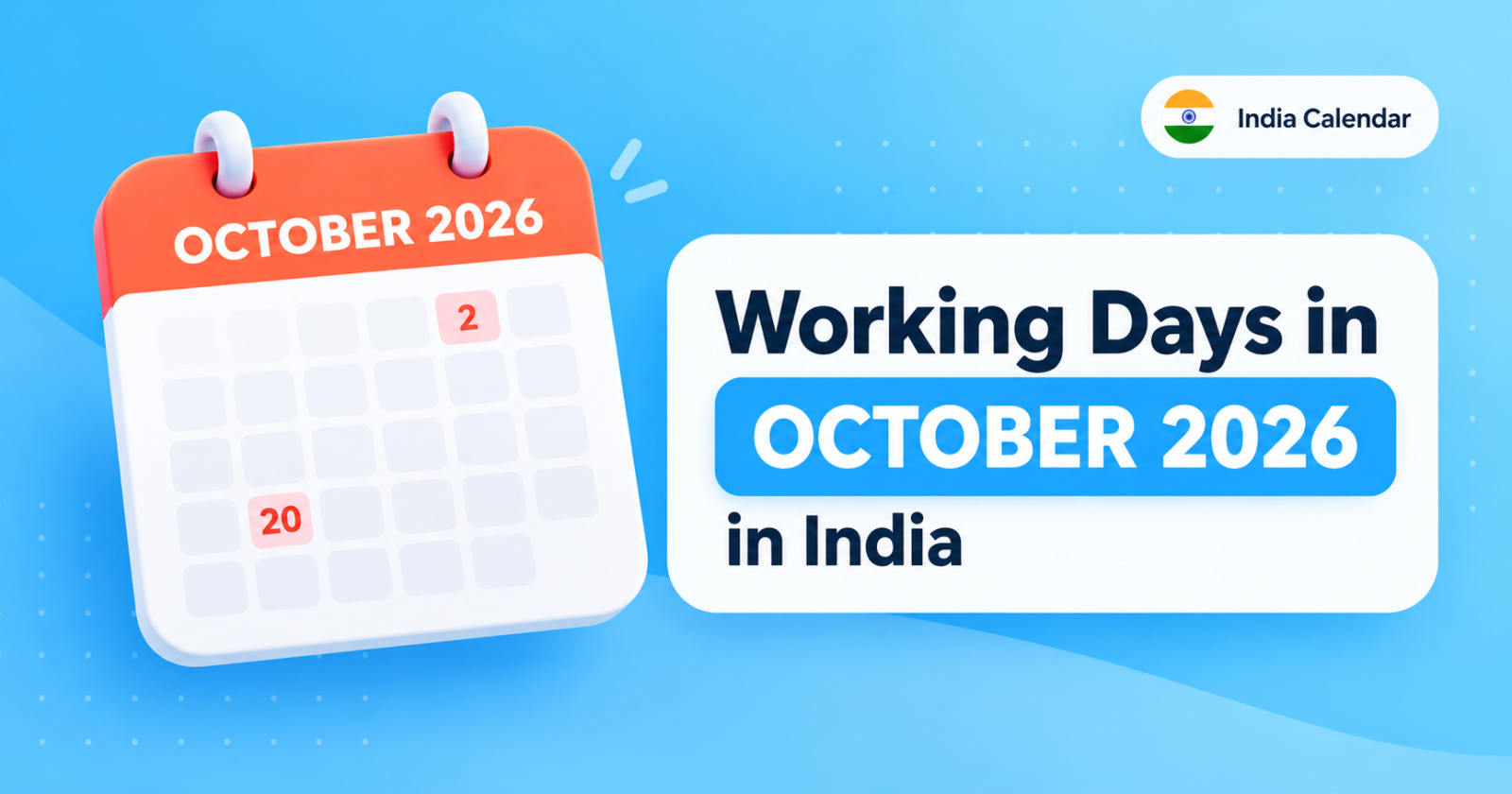
Working Days in October 2026 in India
October 2026 has 31 calendar days. It includes 22 weekdays, 9 weekend days, and major holidays such as Gandhi Jayanti and Dussehra.
6 min read