How to Save Photos, Videos and Files From a Public Telegram Channel

In this post
- Can You Save Media From a Telegram Channel?
- How to Save a Photo or Video From a Public Telegram Post
- 1. Copy the Telegram post link
- 2. Open a Telegram tool
- 3. Paste the link
- 4. Save the file
- How to Download Multiple Photos From a Telegram Channel
- How to Find a PDF or ZIP File in a Telegram Channel
- How to Save Telegram Voice Messages
- How to Download a Telegram GIF
- How to Find Only One Type of File
- How to Search Telegram Channel Posts
- Can You Export Telegram Media Information?
- Can You Save a Complete Telegram Album?
- What About Private Telegram Groups?
- Is It Safe to Use an Online Telegram Tool?
- What Can You Legally Download?
- Which Telegram Tool Should You Use?
- Final Thoughts
If you are looking Telegram channels related useful tools for photos, videos, documents, audio files, GIFs and other media. and you want to keep a copy of something from a public channel, you may not need a separate app.
ToolPoint has a few free browser tools that can very easy to use find and save media from public Telegram posts and channels.
You don't need to make an account or install app/software. The tools work in your browser.
Can You Save Media From a Telegram Channel?
Yes, when the content is available through a public Telegram channel or public post.
A public Telegram post can contain varied types of files, including:
- Photos
- Videos
- GIFs
- Voice messages
- Audio files
- PDFs
- ZIP files
- Documents
- Other shared files
ToolPoint's Telegram tools are designed to work with public content. They don't access private chats or private groups.
If you want to browse all available Telegram options, you can visit the ToolPoint Telegram Tools category.
How to Save a Photo or Video From a Public Telegram Post
The easiest technique depends on what you want to save.
1. Copy the Telegram post link
Open the public Telegram channel or post.
Find the post containing the photo or video you want. Copy its public link.
2. Open a Telegram tool
Choose the tool that matches the file you need.
For example, the Telegram Post Downloader can help you save media from a public post.
For videos, use the Telegram Video Downloader.
For photos, the Telegram Image Batch Downloader is useful when you want to save multiple images.
3. Paste the link
Paste the public Telegram post link into the tool.
The tool checks the available media and shows the files that can be saved.
4. Save the file
Select the file you want and save it to your device.
The process works in a normal web browser, so you don't need to install another Telegram utility.
How to Download Multiple Photos From a Telegram Channel
Saving photos one at a time can take a long time when a channel has many useful images.
The Telegram Image Batch Downloader is designed for this situation.
It can check multiple public posts and collect available images. You can then save the selected images together as a ZIP file. ToolPoint currently supports checking up to 200 posts with this tool.
This can be useful for:
- Research
- Public announcements
- Event photos
- Study material
- Reference images
- Public project updates
Always make sure you've permission to reuse images when copyright applies.
How to Find a PDF or ZIP File in a Telegram Channel
Some Telegram channels share hundreds of files. Finding one PDF manually can be frustrating.
You can use the Telegram Channel File Finder to search public channel content by keyword and file type.
For PDF files, the Telegram PDF Finder can serve you find PDFs shared in a public channel.
For ZIP, RAR, 7Z and other archive files, you can use the Telegram ZIP Finder.
These tools are useful when you remember the name or topic of a file but don't remember which post contained it.
How to Save Telegram Voice Messages
Telegram channels can also contain voice messages and other audio files.
If you only need voice messages, use the Telegram Voice Note Saver.
You can also use the Telegram Audio Downloader when you want to find audio files and voice messages from public Telegram content.
This can be useful for keeping a personal copy of an audio recording that you're allowed to save.
How to Download a Telegram GIF
Telegram GIFs can behave differently from normal image files. Telegram may store GIF-style animations as diminutive looping video files.
The Telegram GIF Downloader can contribute to you save GIF content from public Telegram posts.
You can then use the saved file on devices or apps that support the format.
How to Find Only One Type of File
Sometimes you don't want to see every file in a channel.
For example, you may only want:
- PDF files
- MP3 files
- MP4 videos
- JPG images
- ZIP files
The Telegram File Type Filter lets you filter public Telegram channel content by file type.
This makes large channels easier to search.
How to Search Telegram Channel Posts
Imagine you remember that a public channel shared a document about a particular topic. You don't remember the post date.
Instead of scrolling through hundreds of posts, you can use the Telegram Media Search tool.
Search by a word or phrase and filter the results based on the type of media you need.
You can also use the Telegram Channel Media Indexer when you want to create a broader list of media shared in a public channel.
Can You Export Telegram Media Information?
Yes.
If you need information about media than the files themselves, ToolPoint provides export tools.
The Telegram Post Media Exporter can create a CSV or JSON list containing information such as:
- File name
- File type
- File size
- Media length
- Post date
- Views
- Caption
- Links
This can be useful for research, content organization and data work.
You can also use the Telegram Media Metadata Tool to check details about media files in public Telegram content.
Can You Save a Complete Telegram Album?
Yes, if the album is part of a public Telegram post.
The Telegram Album Downloader is made for posts containing multiple photos or videos.
Instead of saving each item separately, you can save the album together.
This is useful for public event albums, photo collections and other multi-file posts.
What About Private Telegram Groups?
ToolPoint's Telegram tools are designed for public Telegram content.
They don't access private chats or private groups.
You should also avoid using third-party tools to access content that you aren't authorized to view.
Is It Safe to Use an Online Telegram Tool?
Before using any online downloader, check what it does with your data.
ToolPoint says its downloaders work with public links and don't keep copies of downloaded files as a permanent library. Its copyright policy also says the service doesn't break DRM, passwords, paywalls or captchas.
ToolPoint also doesn't need an account or login for its tools.
Still, you should never enter your Telegram password, login code or other private account information into a third-party tool.
What Can You Legally Download?
A file being publicly available doesn't automatically mean you can reuse it however you want.
For example, a public photo may still belong to the photographer. A PDF may belong to a publisher. A video may be protected by copyright.
A straightforward rule is:
Save and use files only when you own them, have permission, or the content is clearly free to use.
ToolPoint's copyright policy also places responsibility on the user for what they download and how they use it.
Which Telegram Tool Should You Use?
Here's a clear guide:
| What you need | ToolPoint tool |
|---|---|
| Photos, videos or GIFs from one post | Telegram Post Downloader |
| Public Telegram videos | Telegram Video Downloader |
| Multiple channel images | Telegram Image Batch Downloader |
| Voice messages | Telegram Voice Note Saver |
| Audio files | Telegram Audio Downloader |
| PDFs | Telegram PDF Finder |
| ZIP/RAR/7Z files | Telegram ZIP Finder |
| Documents | Telegram Document Downloader |
| GIFs | Telegram GIF Downloader |
| Search by file type | Telegram File Type Filter |
| Search media in a channel | Telegram Media Search |
| Find channel files | Telegram Channel File Finder |
| Export media information | Telegram Post Media Exporter |
| Check media details | Telegram Media Metadata Tool |
You can also see all available options on the Telegram Tools category page.
Final Thoughts
Telegram is useful for sharing large amounts of media and files. Finding one specific item in a busy channel can take time.
Browser tools can make that job easier when you're working with public content.
If you need one photo, video or voice note, use a post-specific downloader. If you need many files, use a batch downloader or channel search tool. For documents, use the file finders to locate the right PDF, ZIP or other file quickly.
Launch with the ToolPoint Telegram Tools collection and pick the tool that matches the file you need.
Tools from this post
Telegram Audio Downloader
Find voice messages and music files in public Telegram posts and channels. Save voice notes as audio files and see every song with its length.
Open toolTelegram Channel Media Indexer
Build a full list of every photo, video, voice note and file in a public Telegram channel. Filter it, export it, or download the media.
Open toolTelegram GIF Downloader
Save GIFs from public Telegram posts and channels. Telegram stores GIFs as small looping MP4 files, which work almost everywhere.
Open toolTelegram Image Batch Downloader
Download all photos from a public Telegram channel or post at once. Check up to 200 posts and save every image in one ZIP file.
Open toolTelegram MP3 Finder
Find MP3 and other audio files in a public Telegram channel. Search by song or topic, see lengths, save voice notes and open music in Telegram.
Open toolTelegram Media Search
Search a public Telegram channel by word and see only the posts with photos, videos, GIFs, voice notes or files. Download results right away.
Open toolKeep reading
All posts Website & SEO
What Is llms.txt? How to Check Any Website's llms.txt File
llms.txt is a small Markdown file that tells AI tools what your website is about. Learn what goes inside and how to check any website in seconds.
3 min read
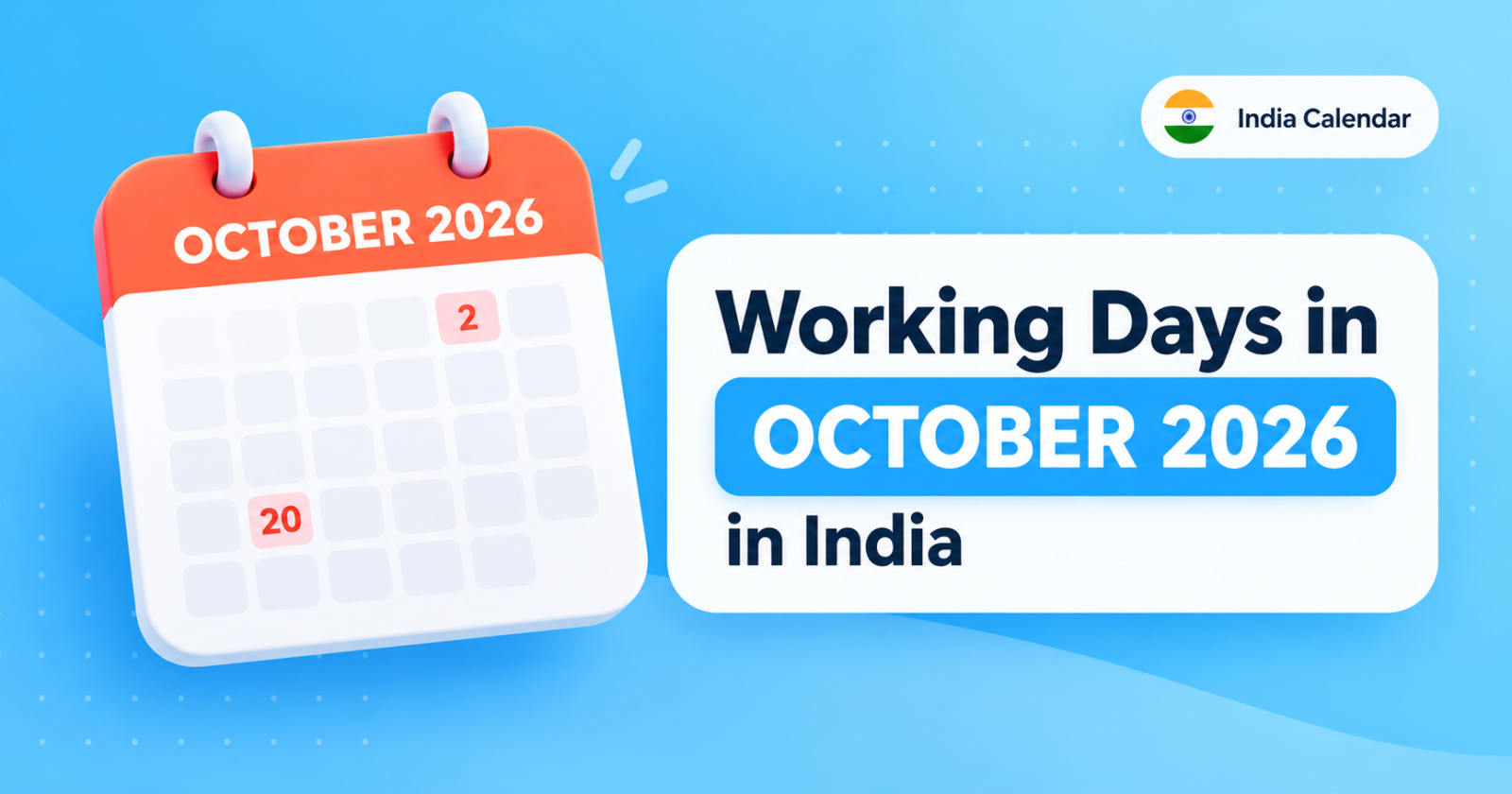
Working Days in October 2026 in India
October 2026 has 31 calendar days. It includes 22 weekdays, 9 weekend days, and major holidays such as Gandhi Jayanti and Dussehra.
6 min read
 Salary & Work
How to Calculate Salary Arrears in India (Simple Steps With Example)
Arrears are the extra pay you get when a DA hike or increment starts from an earlier date. Here is the simple sum, with an example you can copy.
3 min read