What Is llms.txt? How to Check Any Website's llms.txt File
llms.txt is a small Markdown file that tells AI tools what your website is about. Learn what goes inside and how to check any website in seconds.
In this post
AI tools like ChatGPT, Claude and Perplexity read websites too. But a normal web page is full of menus, pop-ups and code. So a new idea has started: a small text file that explains your website to AI in plain words. It is called llms.txt.
What is llms.txt?
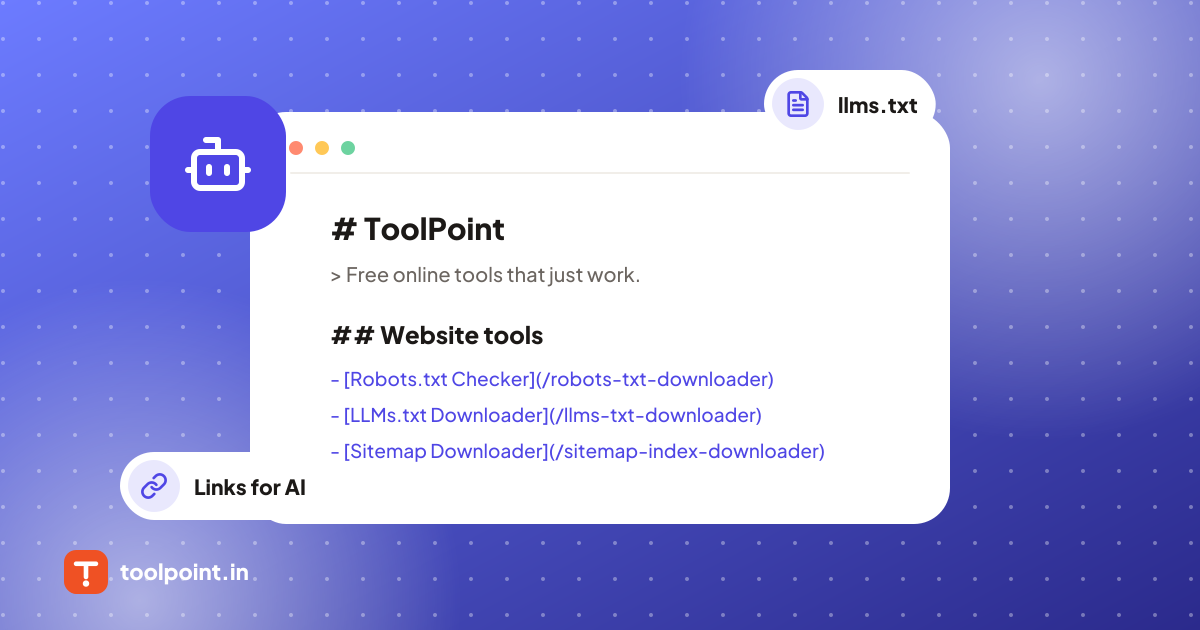
llms.txt is a simple text file written in Markdown. It sits at the top of a website, at an address like example.com/llms.txt. Think of it as a short guide for AI: what this website is about, and which pages matter most.
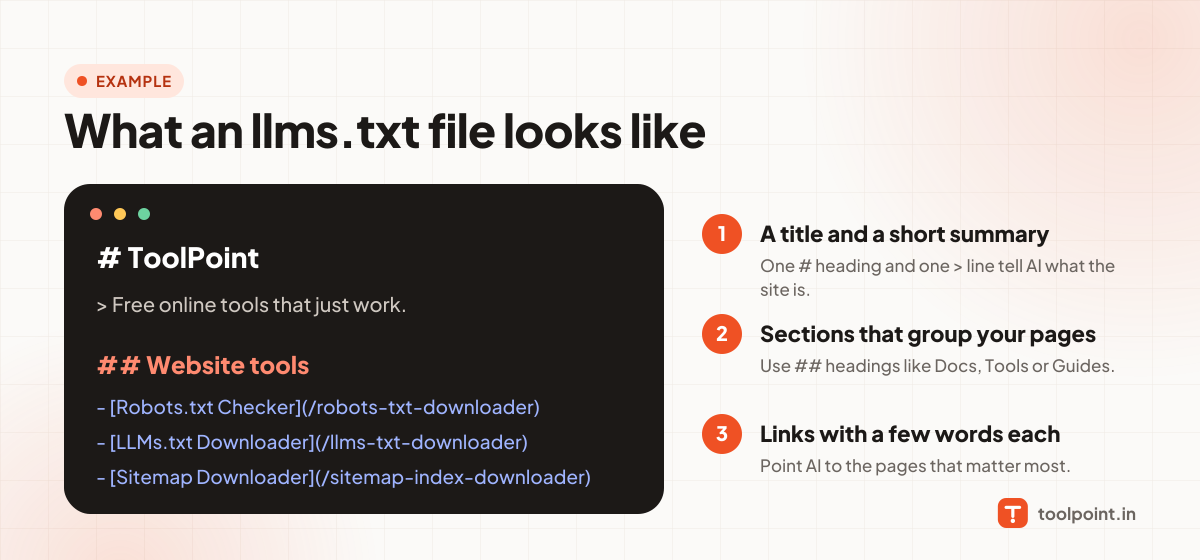
A good llms.txt file has three parts:
- A title. One line that starts with
#. - A short summary. One line that starts with
>. - Sections with links. Headings that start with
##, and a list of links under each one, with a few words about every page.
llms.txt, llms-full.txt and robots.txt: what is the difference?
| File | What it does | Who reads it |
|---|---|---|
| robots.txt | Tells bots which parts of the site they may visit. | Search engines and other bots |
| llms.txt | Lists the best pages of the site, with short notes. | AI tools |
| llms-full.txt | Puts the full text of the docs in one big file. | AI tools, and people who paste it into a chat |
How to check any website's llms.txt
You do not need to type the file address by hand. Use our free tool:
- Open the LLMs.txt Downloader.
- Type the website, like
example.com, and press the button. - Read the simple summary: the title, the summary line, each section and every link. You can download the file or copy it.
The tool also tells you if the file has no title or no summary, and if a website shows a normal page instead of a real llms.txt file.
Some websites also share a bigger file. Check it with the LLMs-full.txt Downloader. It shows the number of words and a rough token count, so you know how big the file is before you paste it into an AI chat.
To see which bots a website allows, use the Robots.txt Downloader & Checker. It checks Googlebot and AI bots like GPTBot and ClaudeBot.
Tips for writing your own llms.txt
- Keep it short. List your best pages, not every page.
- Write one clear line about each link.
- Use simple words. AI reads plain text best.
- Update the file when you add or remove important pages.
Good to know: llms.txt is a new idea, not a rule. No search engine has promised that it will lift your rankings, and some AI tools may not read it yet. It is cheap to make and easy to keep, so many websites add one anyway.
Tools from this post
LLMs.txt Downloader
Download and read the llms.txt file of any website. See its title, summary, sections and every link it gives to AI tools.
Open toolLLMs-full.txt Downloader
Download the full llms-full.txt file of a website. See word count, token estimate and the heading outline before you save it.
Open toolRobots.txt Downloader & Checker
Download any site's robots.txt and see which bots are blocked. Check Googlebot, GPTBot, ClaudeBot and more, plus every rule and sitemap.
Open toolKeep reading
All posts Website & SEO
How to Save Photos, Videos and Files From a Public Telegram Channel
If you are looking Telegram channels related useful tools for photos, videos, documents, audio files, GIFs and other media. and you want to...
7 min read
Working Days in October 2026 in India
October 2026 has 31 calendar days. It includes 22 weekdays, 9 weekend days, and major holidays such as Gandhi Jayanti and Dussehra.
6 min read
 Salary & Work
How to Calculate Salary Arrears in India (Simple Steps With Example)
Arrears are the extra pay you get when a DA hike or increment starts from an earlier date. Here is the simple sum, with an example you can copy.
3 min read