About the Web Pool Pump Remote
A pool needs its water filtered for several hours every day. This remote runs the pump at low, medium or high speed, follows a daily filter schedule, and shows the water temperature. Running at low speed for longer saves a lot of electricity.
This remote runs fully in your browser, so it works on any phone or computer with no app to install. Try it now in demo mode. When you are ready, connect it to your own ESP32 or ESP8266 by Bluetooth, Wi-Fi hotspot, home Wi-Fi, USB cable or the internet. We write the Arduino code for you for each option.
How to use it
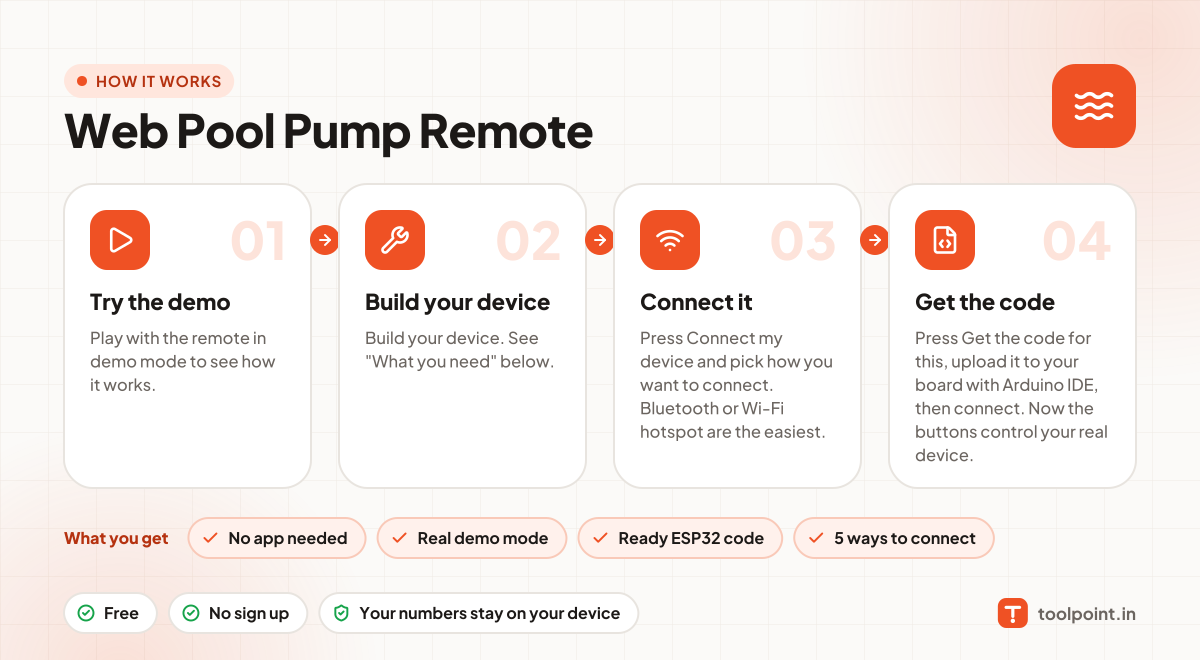
- Play with the remote in demo mode to see how it works.
- Build your device. See "What you need" below.
- Press Connect my device and pick how you want to connect. Bluetooth or Wi-Fi hotspot are the easiest.
- Press Get the code for this, upload it to your board with Arduino IDE, then connect. Now the buttons control your real device.
Why people like this tool
No app needed
Opens in any browser on Android, iPhone, laptop or tablet.
Real demo mode
Animated preview so you can test before you build.
Ready ESP32 code
Arduino sketch for ESP32 or ESP8266, made for this remote.
5 ways to connect
Bluetooth, Wi-Fi hotspot, home Wi-Fi, USB cable or internet (MQTT).
What you need to build it
- An ESP32 board
- A relay module to drive a contactor or motor starter coil
- A proper contactor / starter with overload protection
- MCB, fuses and an IP-rated panel box (work with an electrician)
Not ready to build? You can still use the remote in demo mode to plan your project and test the buttons.
Commands this remote sends
Over Bluetooth or a USB cable, each command is a short text line like id=value. With MQTT, it goes to your-topic/<id>/set and your device reports back on your-topic/<id>/state. On Wi-Fi, the page calls /<id>?value=… on the device.
| id | Control | Values | Direction |
|---|---|---|---|
power | Pool pump | ON / OFF | Remote → device |
speed | Speed | Low, Medium, High | Remote → device |
schedule | Filter hours | JSON list of on/off times | Remote → device |
temp | Water temperature | Device sends a number in °C | Device → remote |
Stay safe
Mains electricity (230 V) can kill. If your device switches a fan, light, pump or any appliance, ask a qualified electrician to do the wiring. Use a relay rated well above the load, add a fuse or MCB, and keep everything inside a closed box. For motors and pumps, use a proper starter or contactor. A web remote must never be the only way to switch off a machine.