About the Web IoT Device Management Panel
When you have many ESP32 devices, you need to know they are alive and up to date. This panel shows how many are online, the firmware version, Wi-Fi signal strength and uptime, and sends actions like ping, reboot, blink LED to find a device, or start an over-the-air update.
This remote runs fully in your browser, so it works on any phone or computer with no app to install. Try it now in demo mode. When you are ready, connect it to your own ESP32 or ESP8266 by Bluetooth, Wi-Fi hotspot, home Wi-Fi, USB cable or the internet. We write the Arduino code for you for each option.
How to use it
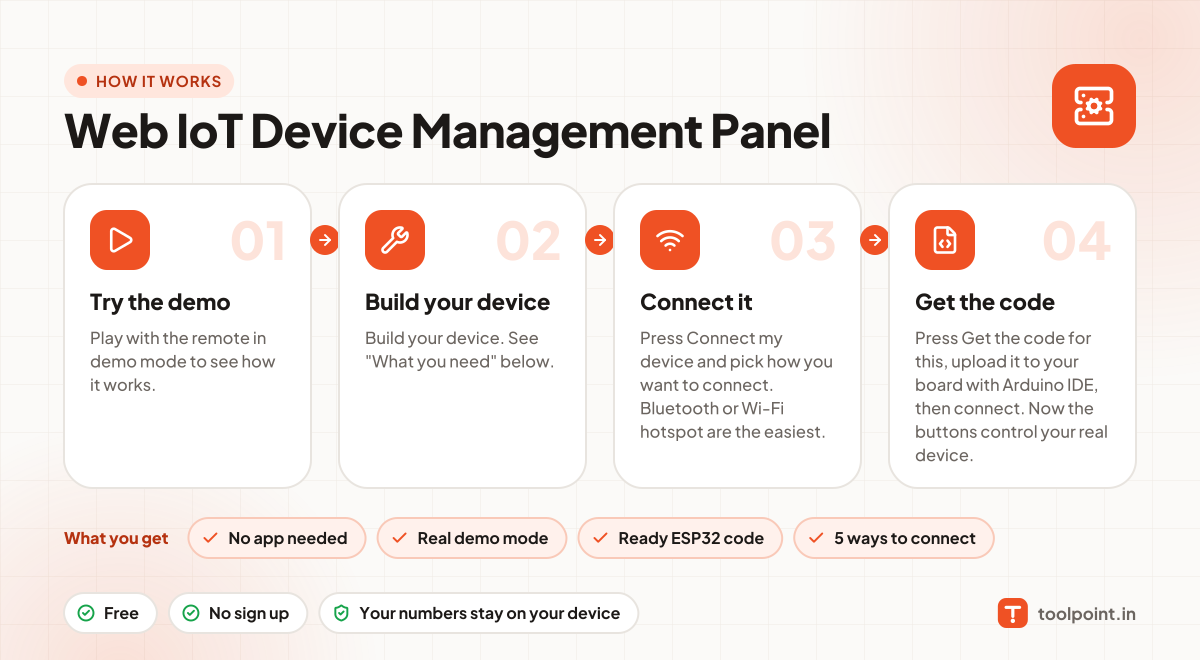
- Play with the remote in demo mode to see how it works.
- Build your device. See "What you need" below.
- Press Connect my device and pick how you want to connect. Bluetooth or Wi-Fi hotspot are the easiest.
- Press Get the code for this, upload it to your board with Arduino IDE, then connect. Now the buttons control your real device.
Why people like this tool
No app needed
Opens in any browser on Android, iPhone, laptop or tablet.
Real demo mode
Animated preview so you can test before you build.
Ready ESP32 code
Arduino sketch for ESP32 or ESP8266, made for this remote.
5 ways to connect
Bluetooth, Wi-Fi hotspot, home Wi-Fi, USB cable or internet (MQTT).
What you need to build it
- An ESP32 board (or several)
- Relay modules for outputs and sensors for readings
- A stable 5V power supply
- A private MQTT broker for many devices
Not ready to build? You can still use the remote in demo mode to plan your project and test the buttons.
Commands this remote sends
Over Bluetooth or a USB cable, each command is a short text line like id=value. With MQTT, it goes to your-topic/<id>/set and your device reports back on your-topic/<id>/state. On Wi-Fi, the page calls /<id>?value=… on the device.
| id | Control | Values | Direction |
|---|---|---|---|
online | Devices online | Device sends text | Device → remote |
firmware | Firmware | Device sends text | Device → remote |
rssi | Wi-Fi signal | Device sends a number in dBm | Device → remote |
uptime | Uptime | Device sends a number in hr | Device → remote |
action | Actions | PING, REBOOT, OTA, LED | Remote → device |