About the Web Access Control Dashboard
For small offices, schools and apartment buildings. See and control up to four doors, check who entered last from your RFID or PIN readers, and switch the whole building to lockdown or all-open mode in an emergency.
This remote runs fully in your browser, so it works on any phone or computer with no app to install. Try it now in demo mode. When you are ready, connect it to your own ESP32 or ESP8266 by Bluetooth, Wi-Fi hotspot, home Wi-Fi, USB cable or the internet. We write the Arduino code for you for each option.
How to use it
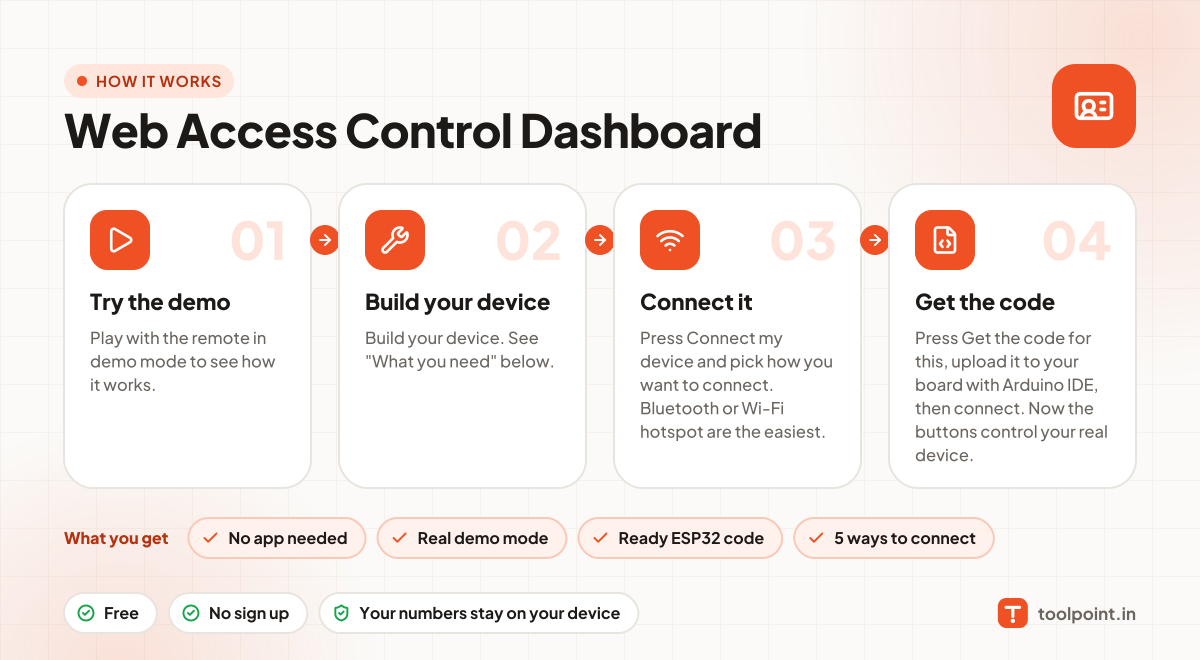
- Play with the remote in demo mode to see how it works.
- Build your device. See "What you need" below.
- Press Connect my device and pick how you want to connect. Bluetooth or Wi-Fi hotspot are the easiest.
- Press Get the code for this, upload it to your board with Arduino IDE, then connect. Now the buttons control your real device.
Why people like this tool
No app needed
Opens in any browser on Android, iPhone, laptop or tablet.
Real demo mode
Animated preview so you can test before you build.
Ready ESP32 code
Arduino sketch for ESP32 or ESP8266, made for this remote.
5 ways to connect
Bluetooth, Wi-Fi hotspot, home Wi-Fi, USB cable or internet (MQTT).
What you need to build it
- An ESP32 board
- A 12V electric lock, strike or solenoid bolt
- A relay module and a 12V supply with battery backup
- A manual key or exit button as backup
Not ready to build? You can still use the remote in demo mode to plan your project and test the buttons.
Commands this remote sends
Over Bluetooth or a USB cable, each command is a short text line like id=value. With MQTT, it goes to your-topic/<id>/set and your device reports back on your-topic/<id>/state. On Wi-Fi, the page calls /<id>?value=… on the device.
| id | Control | Values | Direction |
|---|---|---|---|
door | Door | ON / OFF (ids door1 to door4, plus door_all) | Remote → device |
last | Last access | Device sends text | Device → remote |
mode | Building mode | NORMAL, LOCKDOWN, OPEN | Remote → device |